A good visual doesn’t just share information—it invites people in.
The following section highlights a range of visual assets designed to support clear and engaging communication—whether for scientific events, product advertisements, or client outreach. From communication posters to flyers, commercial brochures, and user guides, each piece is custom-built to match its message, audience, and context.
These examples reflect a commitment to clarity, precision, and strong visual identity.
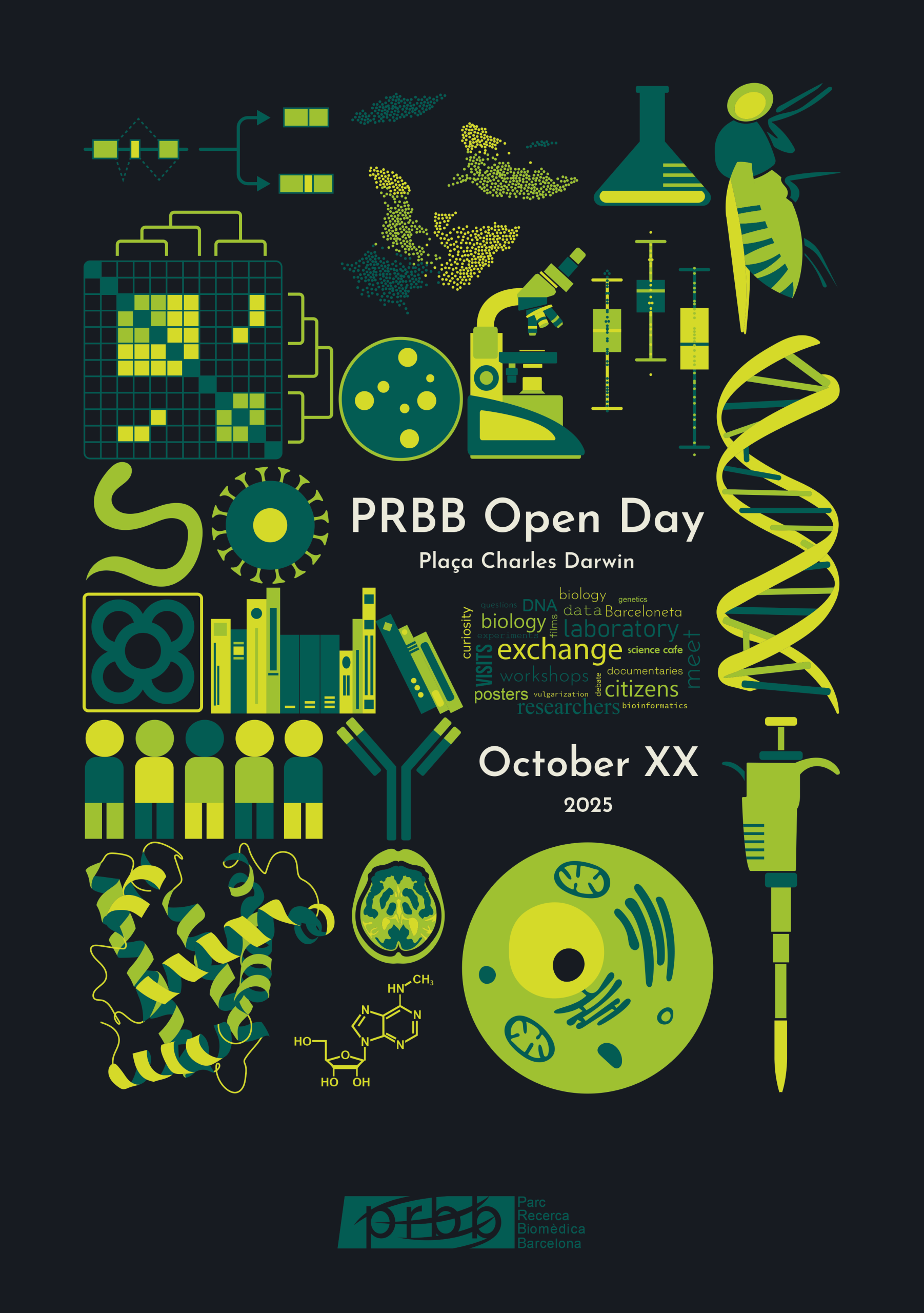
In 2010, as part of the “science meets Society” group of PhD and post-doc from the CRG (Center for Genomic Regulation), we proposed to create an open day to vulgarize science with the PRBB (Barcelona Biomedical Research Park). With the tremendous help of the PRBB Communication team, this first edition of the PRBB Open day was a huge success, proposing an exchange between scientists and visitors, through activities such as posters exhibition, experiments for kids, lab visits and a Q&A session during a “cafe cientifico”. This experience has been renewed every year since that first edition and continues to be an important opportunity to share science.
This poster is a non-official proposal for the event, designed for the port-folio only.
Program used:
Adobe Illustrator
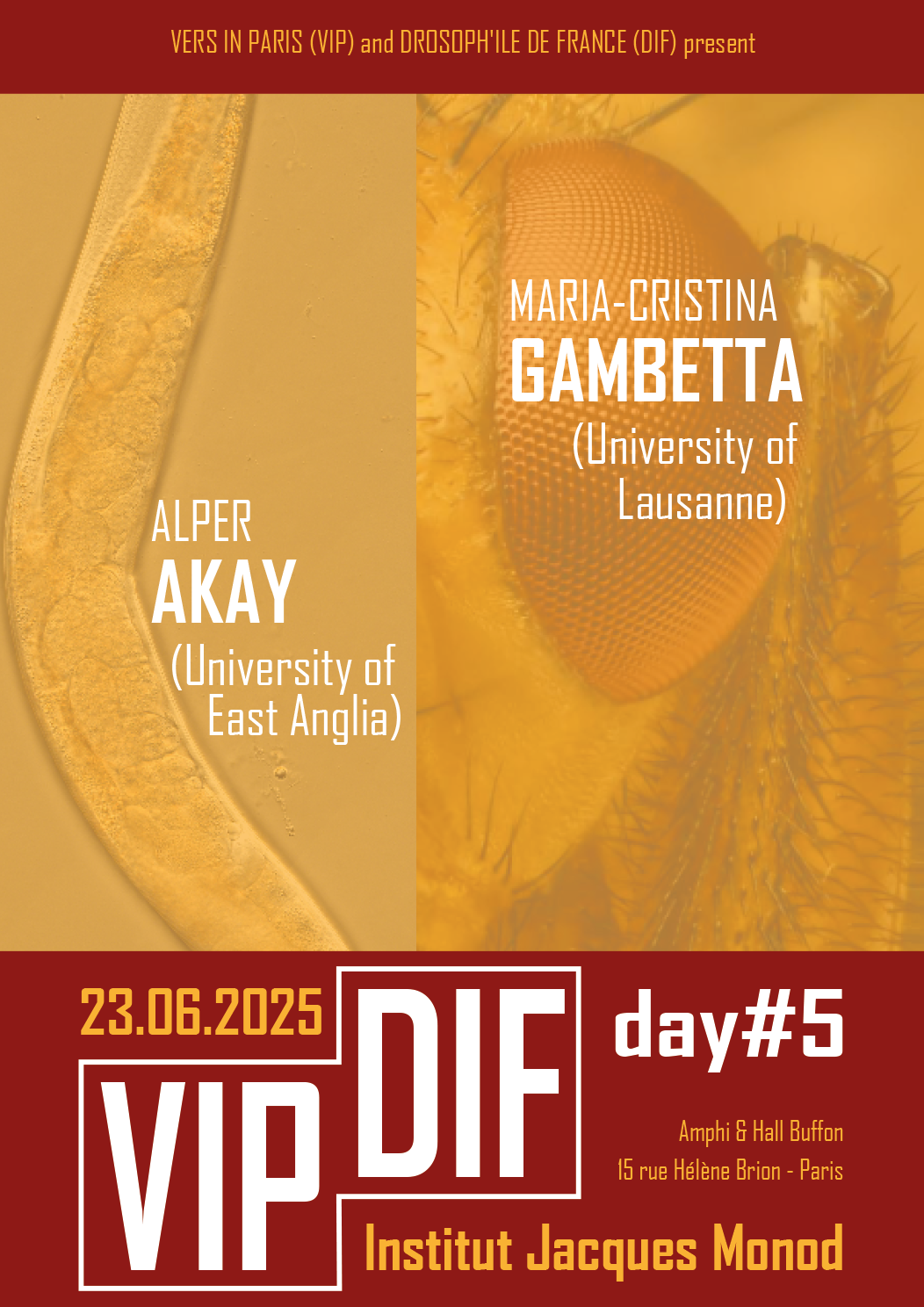
The VIP-DIF days are joint-meetings between labs in Paris working with nematodes (“Vers In Paris”) and with Drosophiles (“Drosoph’île de France”), organized to promote discussions and collaborations between the two communities.
This poster is a non-official proposal for the event, designed for the port-folio only.
Program used:
Adobe Illustrator
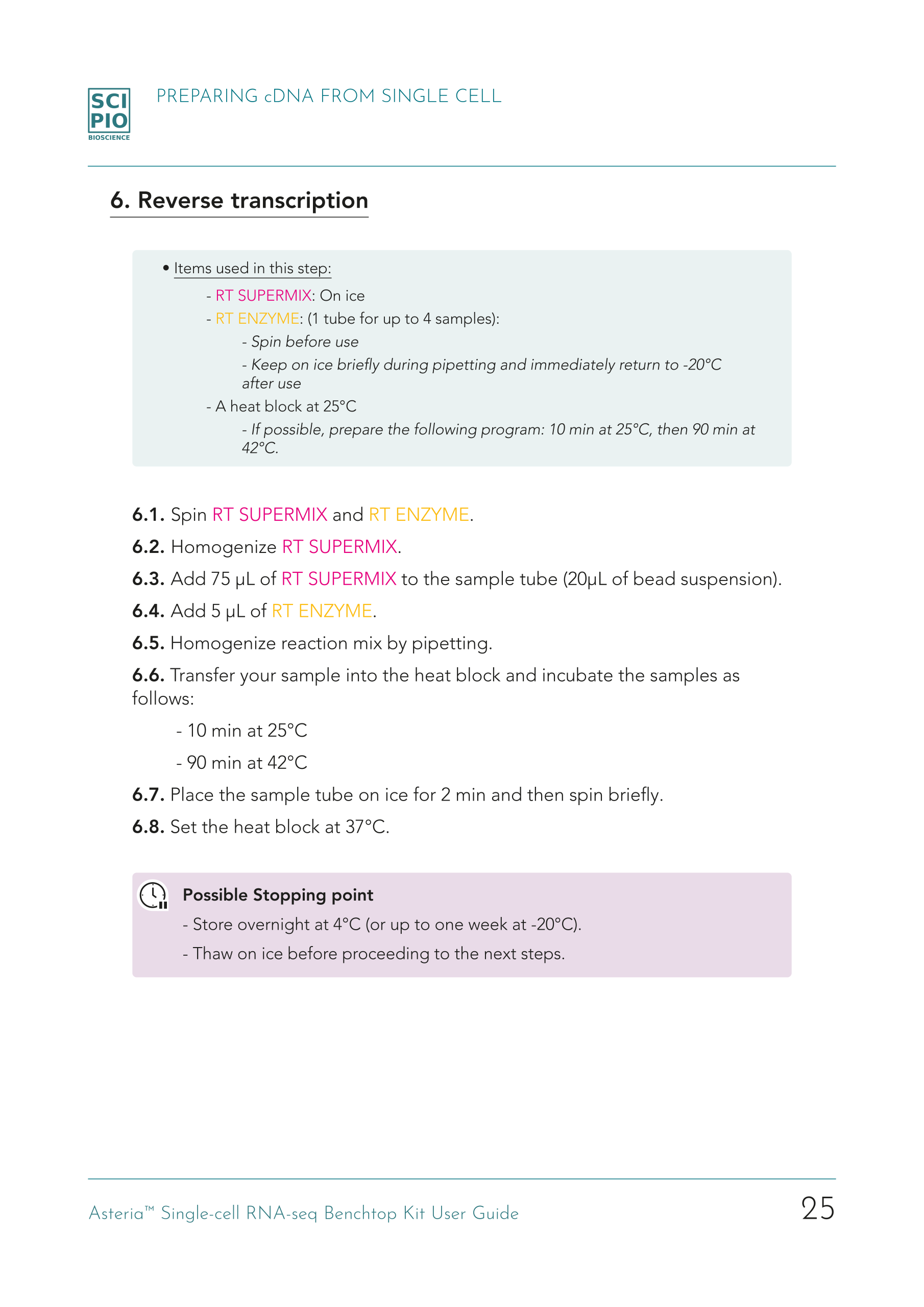
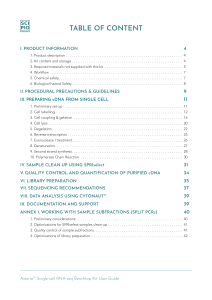
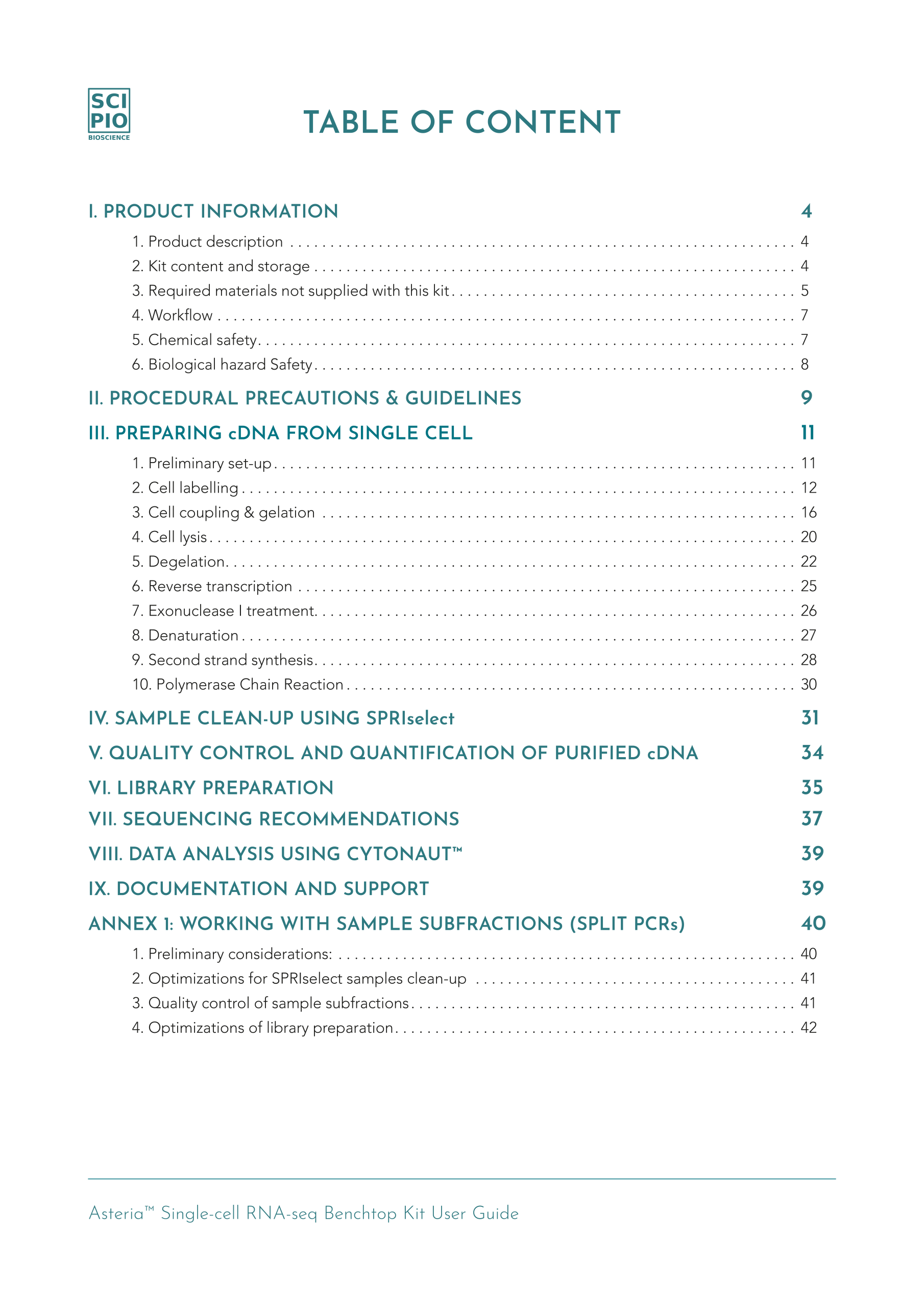
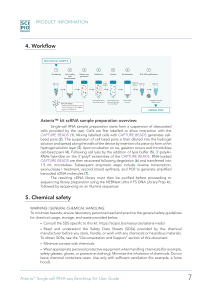
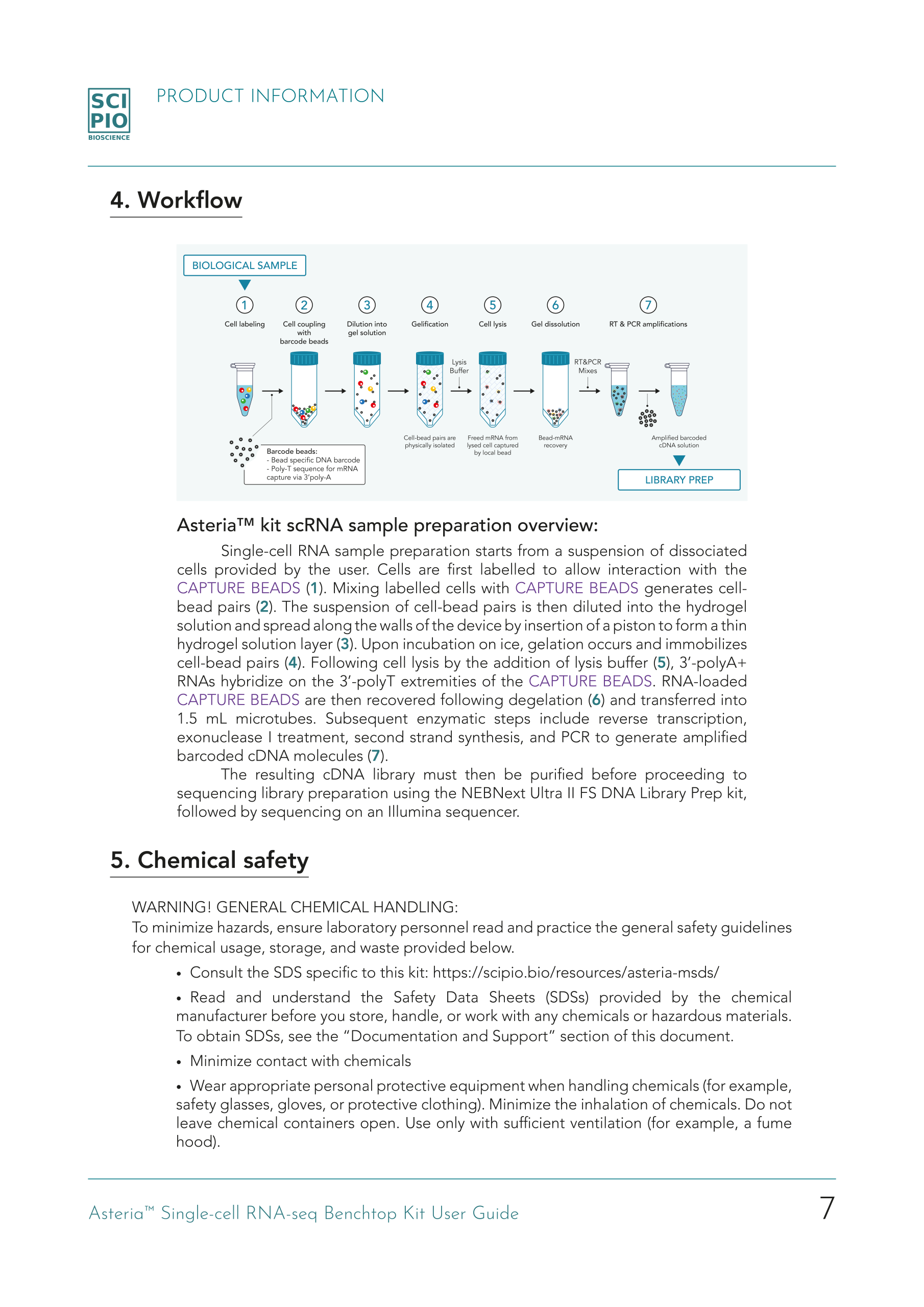
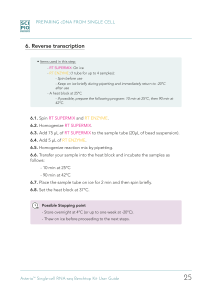
Creating a User Guide, from scratch, for the first product of Scipio bioscience was an exciting challenge and the work of a great team I had the pleasure to lead. The first raw version was published on Word, which had many limitations in terms of design possibilities, but the content was there, as our our beta-testers were enthusiastic and appreciative of its clarity.
An upgraded version, presented here, used Adobe InDesign to improve page lay-out and establish a confortable color-code through-out the guide.
(Click on ‘User Guide (pdf)’ to check out the full pdf file or on the User Guide thumbnails to enlarge the pictures)
Program used:
Adobe InDesign
Adobe Illustrator